
Access the Junior Coding Club in Microsoft Teams While Office 365 Education is the building of the Junior Coding Club, the rooms inside are in Microsoft Teams, the perfect application...
Read MoreEdit student account and password
HowTo edit the student account and password in Microsoft 365 About the student account Your child’s Junior Coding Club username is basically an email address composed by the first name of your...
Read MoreGetting startet with the school / student account
Coding Club Student Account and Login About the student account Your child’s Junior Coding Club username is basically an email address composed by the first name of your child separated with a...
Read MoreWhat you need for a successful homeschooling environment
Requirements for attending Junior Coding Club from home Software / Apps Microsoft Teams (mandatory) Download the free app from here: https://products.office.com/en-us/microsoft-teams/download-app Web Browser (mandatory) Use your favorite browser like Firefox,...
Read More
First steps with Minecraft Education Edition
First steps with Minecraft Education Edition Almost all children are enthusiastic about Minecraft because it is simply fun. This is how we harness passion and motivation. In the Junior Coding...
Read More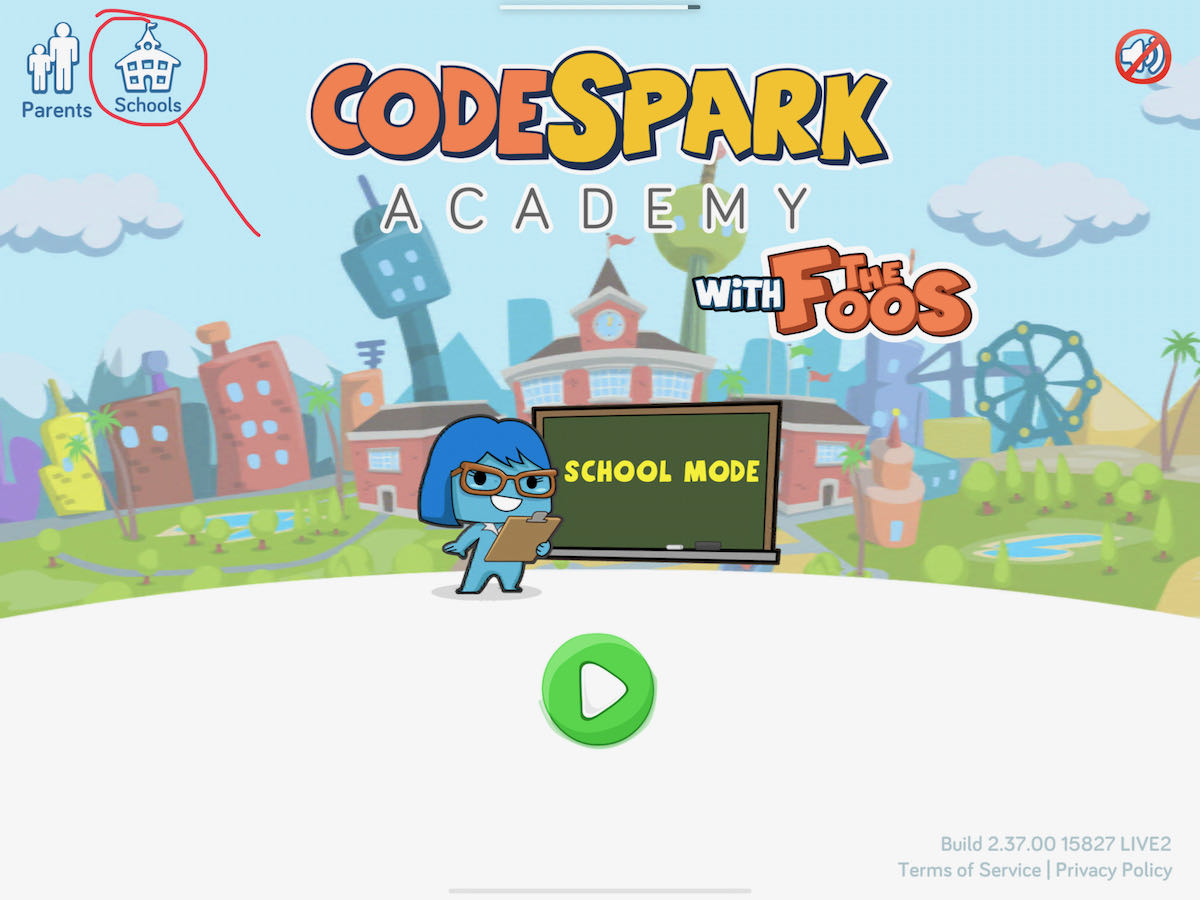
Getting startet with codeSpark Academy
Getting startet with codeSpark Academy With codeSpark Academy we’re learning key computer science concepts that are the foundation to any programming language. With its word-free approach, colorful characters called Foos,...
Read More
